Packs built-in
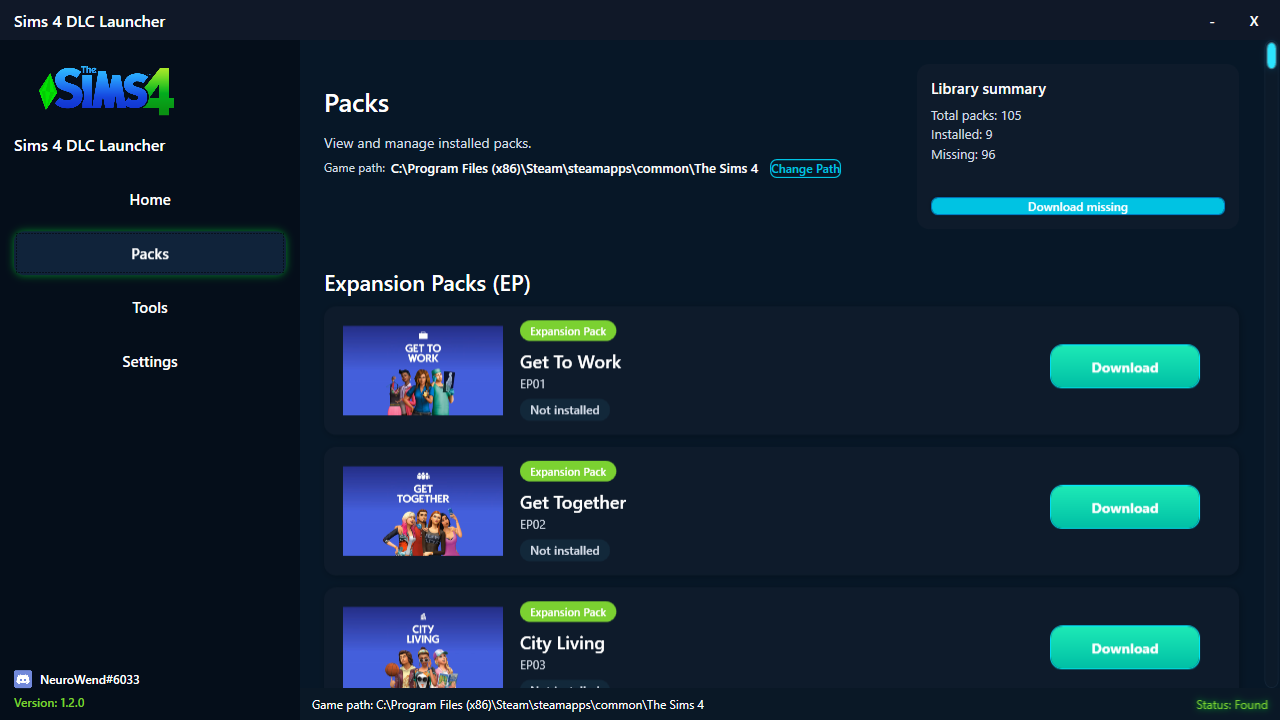
Packs are available directly inside the launcher—no external downloads required.
All-in-one Sims 4 control center
Your all-in-one tool to install packs, unlock DLCs, auto-update content, and manage Sims 4 effortlessly.
About
Install packs, unlock DLCs, and keep your Sims 4 setup spotless with guided automation.
Packs are available directly inside the launcher—no external downloads required.
Install missing packs with a single click while the launcher handles extraction and placement.
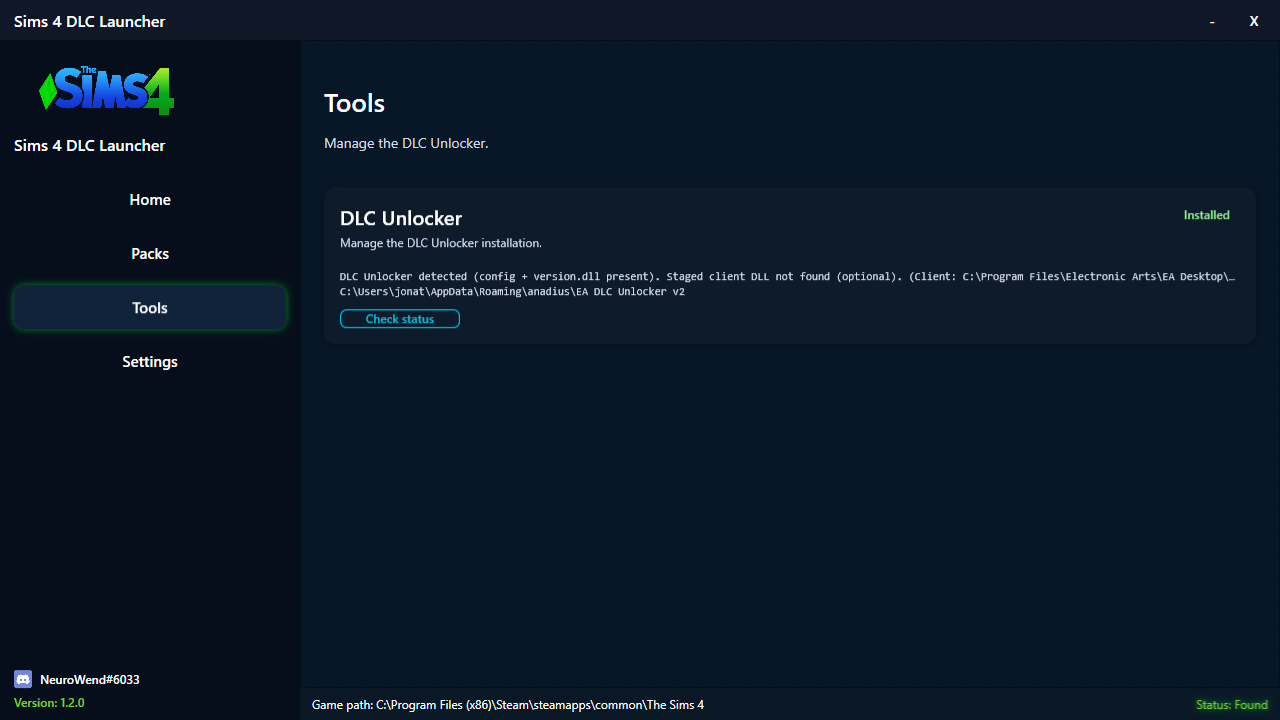
DLC Unlocker is included and installs automatically—no manual setup steps.
The launcher scans your library, detects installed packs, and keeps them updated.
Features
All packs are available directly inside the launcher. Click Download and installation happens automatically.
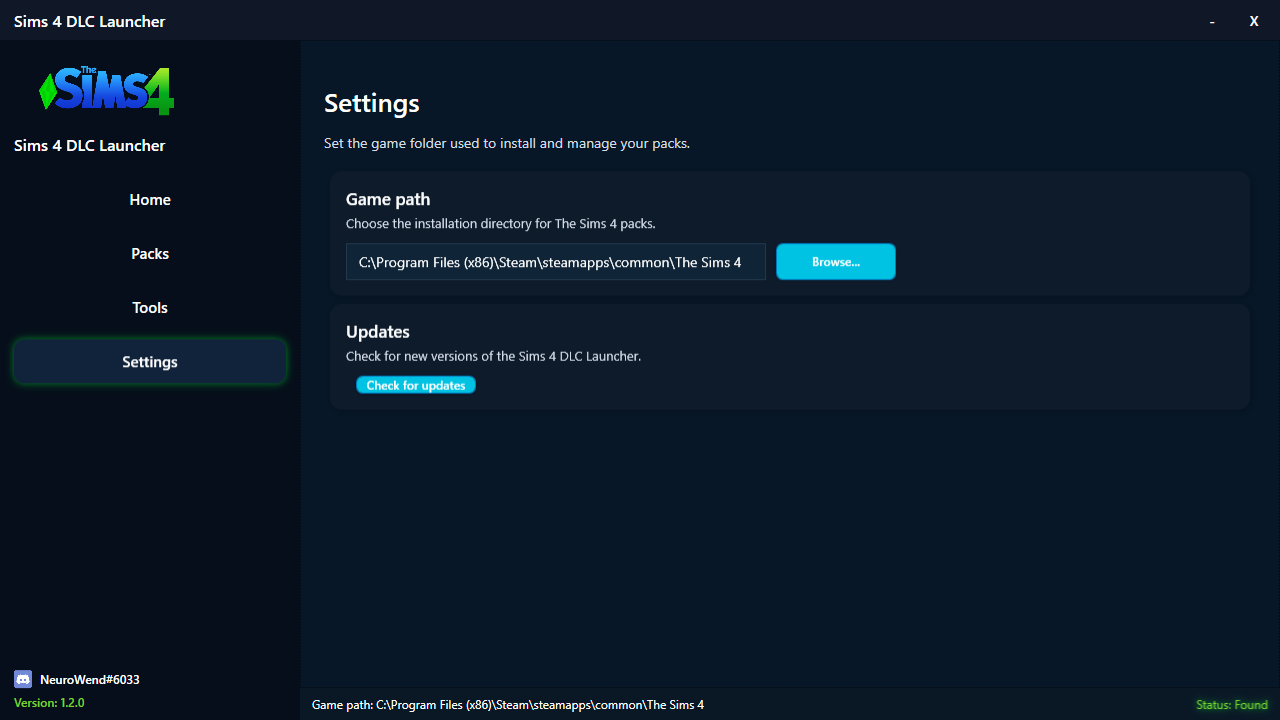
The launcher finds your Sims 4 installation (Steam, EA App, Origin) with fallback options.
A built-in DLC Unlocker installs automatically and keeps itself updated alongside your DLC files.
View installed vs missing packs, storage impact, and installation status at a glance.
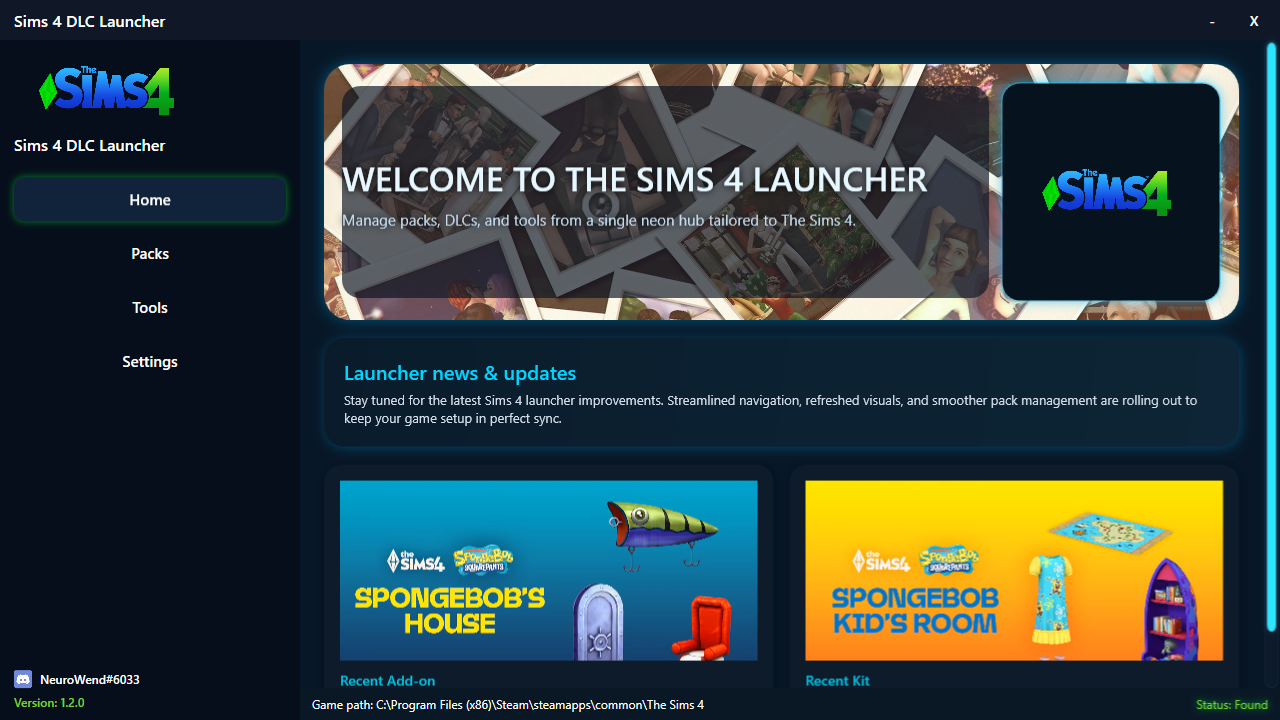
Screenshots
FAQ
All packs are already available inside the launcher. Simply select a pack and click Download — installation, extraction, and file placement are handled automatically.
Yes. The launcher includes a fully integrated DLC Unlocker that installs itself and auto-updates when new versions are available.
Yes, the launcher auto-detects all three platforms.
No manual configuration is required. Game path, packs, and unlocker setup are automatic.
Everything runs locally, no online accounts or credentials required.
Ready to play
Install packs, unlock DLCs, and maintain your game in one place.
